84 original skins · free downloads
A locker of Minecraft skins we drew ourselves.
Free, original 64×64 skins — cool, cute, girl, boy, funny and animal packs — that you can preview, download and edit in seconds. No account, no upload, no watermark.
Fresh from the locker
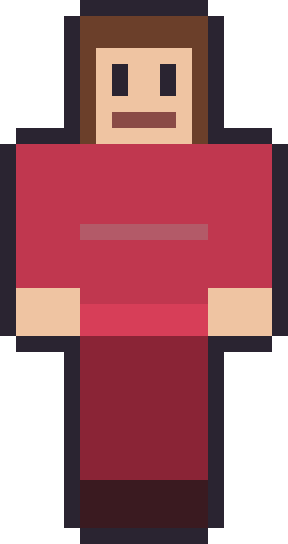
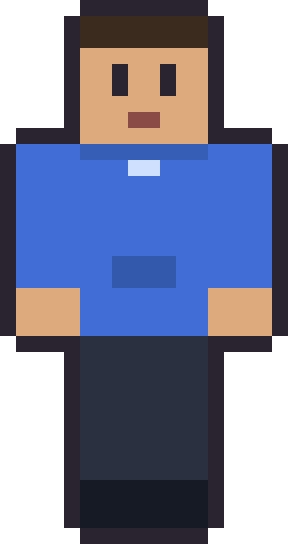
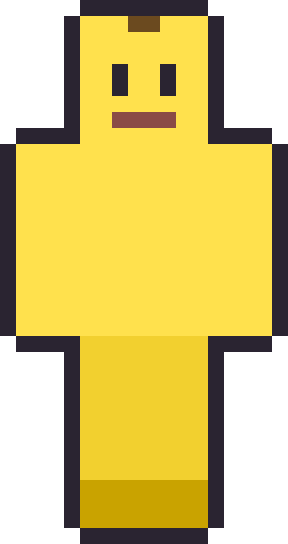
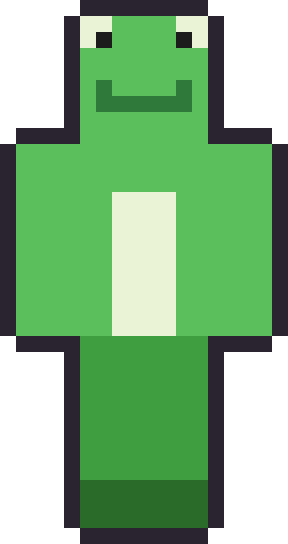
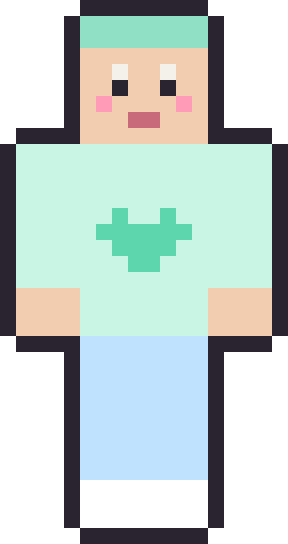
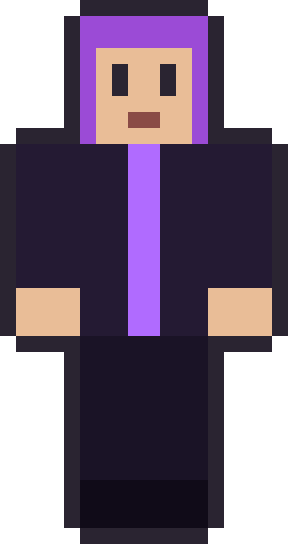
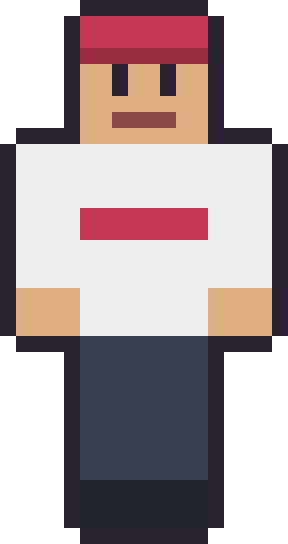
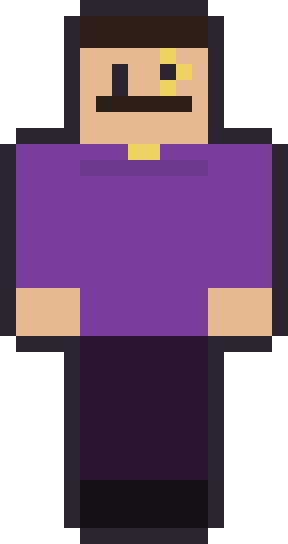
12 skinsA dozen picks from across the packs. Hover a card to peek the raw 64×64 file, then grab it — no login, no upload, no watermark.












The skin packs
all packs →Skin packFREE
Minecraft Christmas Skins: 14 Free Originals, Sweaters to Santa
14 original Christmas Minecraft skins (ugly sweaters, Santa, elves, a snowman and a matching pair) as free 64×64 PNGs.
Oct 13, 2026OPEN PACK →
Skin packFREE
Minecraft Knight Skins: 12 Free Originals, Iron to Black Knight
12 original Minecraft knight skins, including plate in four metals, an open-helm variant and two dwarves, as free 64×64 PNGs.
Oct 13, 2026OPEN PACK →
Skin packFREE
Minecraft Zombie, Skeleton and Creeper-Style Skins: 10 Free Originals
10 original mob-inspired Minecraft skins, from zombies and skeletons to a drowned diver and a creeper-style hoodie, as free PNGs.
Oct 13, 2026OPEN PACK →
Skin packFREE
Designing Your Own Minecraft Skin (Start From a Free One)
How to design your own Minecraft skin the easy way — start from a free original, edit one thing at a time, and make it yours.
Aug 19, 2026OPEN PACK →
Skin packFREE
How to Install a Downloaded Minecraft Skin (Java & Bedrock)
A quick, practical guide to applying a skin PNG you downloaded — Java and Bedrock — using one of our free skins as the example.
Aug 15, 2026OPEN PACK →
Skin packFREE
64x64 Minecraft Skins Explained (with Free Downloads)
What a 64x64 Minecraft skin actually is, how the layout maps to the body, and free 64x64 PNGs to download and study.
Aug 11, 2026OPEN PACK →
SkinStash is a small studio for original Minecraft skins. Every skin you see here was drawn by us, pixel by pixel, and offered as a free 64×64 PNG you can download and edit. Nothing is scraped from other sites and nothing is user-uploaded, so everything is genuinely free to grab and make your own.
We keep it simple. Pick a mood, hover a card to peek the actual file you would download, then grab the PNG. Apply it in Java or Bedrock and you are done — no launcher mods, no sign-up, no strings.
Browse by mood
The two biggest lockers are the cool Minecraft skins pack, full of dark palettes, neon trim and masked runners, and the cute Minecraft skins pack, all pastel hair and soft sweaters. From there the girl, boy, funny and animal packs each have their own shelf.
Because we own the art, we can promise two things most skin sites cannot: these downloads will always be free, and you are allowed to edit them into whatever you like. The only thing we ask is that you do not re-upload our work as your own pack.
Frequently asked questions
Are these Minecraft skins really free to download?
Yes — every skin on SkinStash is a free 64×64 PNG you can download with one click, with no account, no upload step and no watermark. They are ours to give away because we drew them ourselves.
Are these copied from NameMC or Planet Minecraft?
No. Skins uploaded to community sites belong to the players who made them, so we never scrape or re-host them. Everything here is original artwork painted from scratch by us, which is exactly what makes it free to share.
Can I edit a skin after I download it?
Absolutely — that is the point of a starter skin. Open the PNG in any pixel editor, change the hair, clothes or colours, and make it yours. The only thing we ask is that you don't turn around and resell our art as your own pack.
Do these work in both Java and Bedrock editions?
Yes. Every file is a standard 64×64 skin in the modern layout, which both Java and Bedrock accept. On Java you upload the PNG at your Microsoft account profile; on Bedrock you load it from the in-game Dressing Room.
How do I put a downloaded skin into the game?
Save the PNG, then apply it: Java players upload it on their account profile page, and Bedrock players import it through the in-game skin picker. Our install guide walks through both, step by step, with one of these skins as the example.